Sign in
Use your My Dékolé account. No extra password to remember.
Shop, sell, gather, serve, connect, and grow without losing your identity between modules.
See how Dékolé works ↗ Global
Network
 DEKO JOBS FOR EMPLOYERS
Create your institution’s identity, post jobs, find candidates, organize interviews and put your hiring team on one system.
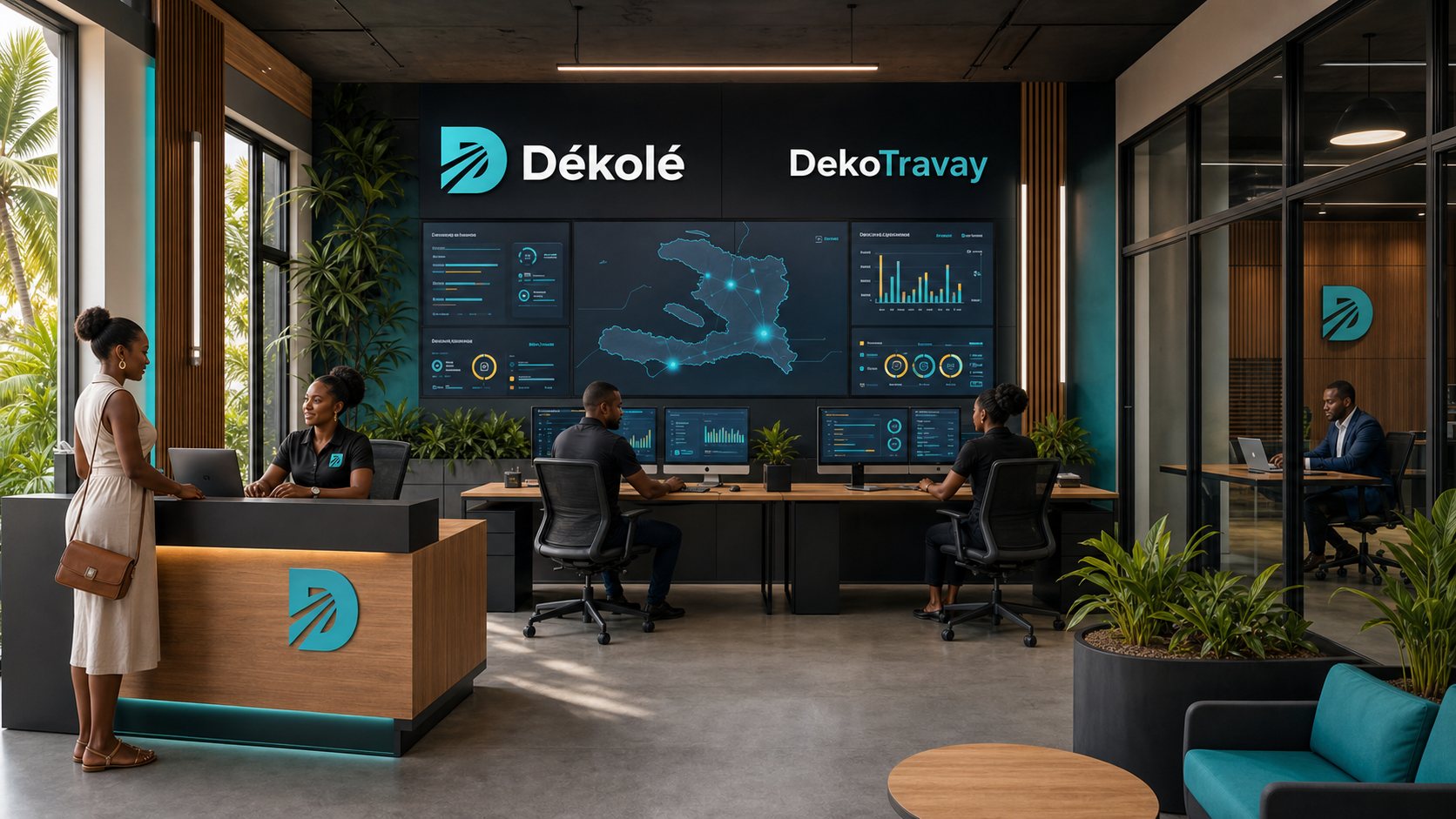
We don’t ask a business to re-enter its details for every job. Create the institution’s identity once; after that, the team uses the same profile and the same rules.
Use your My Dékolé account. No extra password to remember.
Add the legal name, public name, sector, team size and location.
Send legal references and a responsible contact when you’re ready for verification.
Open a job for free and manage candidates in the portal.
Shops, restaurants, workshops, services and local companies.
TAILORED SPACE ↗Multi-site teams, HR departments and high-volume hiring.
TAILORED SPACE ↗Faculty, administration, internships and campus jobs.
TAILORED SPACE ↗Clinics, hospitals, pharmacies, laboratories and support services.
TAILORED SPACE ↗Banks, fintech, telecom, software and digital operations.
TAILORED SPACE ↗Associations, chambers of commerce and international institutions.
TAILORED SPACE ↗Every job post, candidate, interview, offer and decision stays linked to the institution and to the person who took the action.
One official profile for name, sector, location, team and proof of activity.
Create drafts, set pay, criteria, schedule, location and screening questions.
Search profiles open to verified employers without exposing private contacts.
Sort, shortlist, add structured notes and keep the next step clear.
Schedule, evaluate, prepare offers and keep the terms and history.
Pay for more visibility and measurable results—not to buy verification.
Owners, HR admins, recruiters and interviewers sign in with their own identity. Each role gets only what it needs.
Open the institution portal →Legal name, representative, location, contact channels and proof of activity go into the review.
The institution sees only what the candidate allows and what the process requires.
Account creation, team invitations and profile changes go into the institution’s log.
Campaigns and advanced services can’t buy badges, erase complaints or bypass review.
You can create the institution’s space, add your team and prepare the first job post in the same portal.